
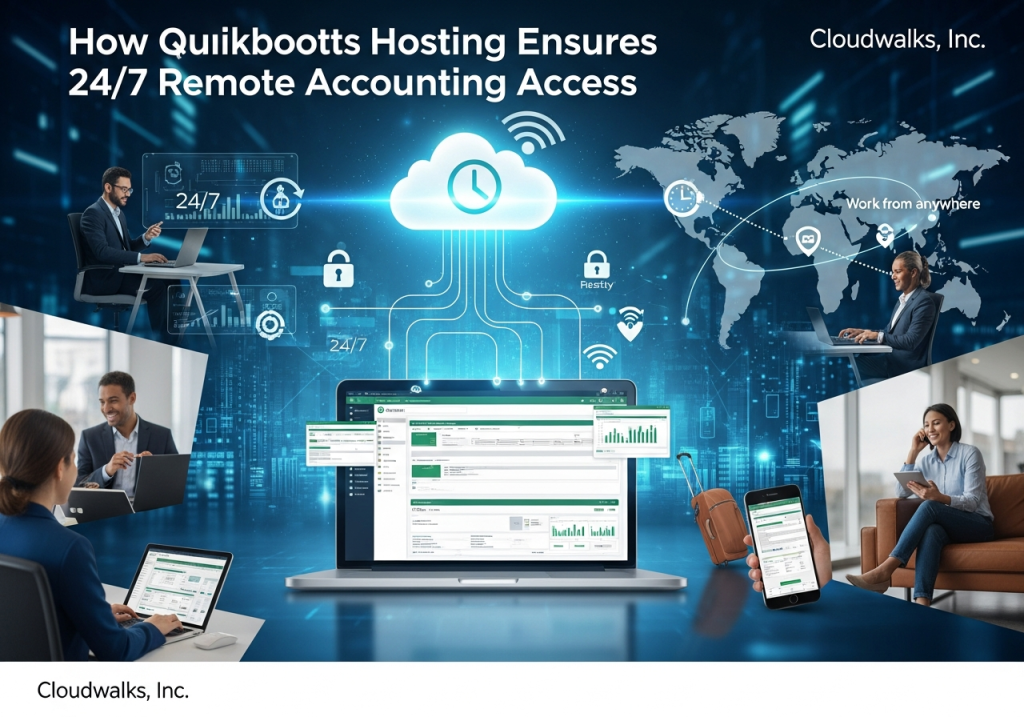
The modern business world runs on mobility, speed, and uninterrupted access to financial data. Accounting teams are no longer tied to office desktops or limited by traditional on-premise systems. Whether it’s a business owner traveling across the country, an accountant working from home, or a finance team managing multiple branches, the need for 24/7 remote accounting access has become indispensable.
This is exactly where QuickBooks Hosting steps in as a game-changing solution. By moving QuickBooks—especially the Desktop and Enterprise versions—to the cloud, companies gain flexibility, security, and constant accessibility that local installations simply cannot offer. In today’s global, fast-paced environment, QuickBooks hosting solutions have become the foundation for modern accounting operations.
This article explores in detail how QuickBooks Hosting enables round-the-clock remote access and why businesses of all sizes are rapidly adopting this technology.
1. Understanding QuickBooks Hosting and Its Role in Remote Accessibility
QuickBooks Hosting involves running your QuickBooks Desktop, Pro, Premier, and QuickBooks Desktop Enterprise edition on secure cloud servers managed by a hosting provider. Instead of installing QuickBooks on a single computer, it is hosted in the cloud, and users access it using an internet connection.
This setup shifts the accounting environment from a physical machine to a virtual platform, enabling:
- Secure logins from any device
- Real-time collaboration
- Centralized data management
- High-speed performance across locations
With this approach, remote access is no longer an additional feature—it becomes the core capability of the system.
2. The Need for 24/7 Remote Accounting Access
The demand for round-the-clock access to financial data has grown dramatically in recent years due to:
• Distributed Workforces
Remote work has become the norm, not the exception. Finance teams need uninterrupted access to QuickBooks regardless of location or time zone.
• Global Customers and Operations
Businesses dealing with clients or partners in multiple countries cannot rely on office hours alone.
• Real-Time Data Requirements
Managers, auditors, or accountants often need to review financial statements or approve transactions instantly.
• Emergency Financial Tasks
Situations such as last-minute payroll changes, tax updates, or vendor payments require immediate access.
These needs highlight why companies are no longer relying solely on desktop installations. QuickBooks Hosting is specifically designed to support 24/7 accounting operations in a secure and efficient manner.
3. Anytime, Anywhere Access Through the Cloud
The most significant advantage of QuickBooks Hosting is seamless remote accessibility. Users can log into their QuickBooks account from:
- Laptops
- Tablets
- Smartphones
- Office workstations
- Home computers
No installations, no local device dependency, and no VPN complexities—just simple, secure access through the cloud.
With this flexibility, accountants and managers can work at night, during travel, or from different states or countries. Time no longer becomes a barrier to productivity.
4. Multi-User Collaboration Without Restrictions
Traditional QuickBooks Desktop can limit collaboration due to file-sharing issues, single-device installation, and restricted access. With QuickBooks hosting solutions, all authorized team members can work on the same file simultaneously.
Benefits of multi-user cloud access:
- Real-time updates for all users
- No file duplication or version conflicts
- Enhanced teamwork between accountants, bookkeepers, and clients
- Smoother workflows during audits, budgeting, or reconciliation
This 24/7 collaboration capability makes QuickBooks Hosting ideal for companies with multiple departments and busy financial operations.
5. High-Speed Access Powered by Cloud Servers
Remote access is only effective if the platform runs smoothly and quickly. QuickBooks Hosting relies on advanced cloud servers that offer:
- Fast processing speeds
- High-performance RAM
- SSD storage for rapid data retrieval
- Optimized environments designed for QuickBooks
This ensures that even large company files load quickly. Whether users log in during peak hours or late at night, the performance remains stable and fast—ensuring constant availability without lag.
6. Enhanced Security That Protects Remote Access
One of the biggest concerns about remote access is security. With local installations, financial data is vulnerable to theft, system crashes, malware, and unauthorized access.
QuickBooks Hosting secures remote access with:
• Bank-level encryption
Data transferred between the cloud and user devices is encrypted, making it unreadable to any unauthorized party.
• Multi-factor authentication
Users must verify their identity before gaining access.
• Role-based permissions
Administrators control who can view, edit, or manage specific data.
• Secure data centers
Hosting providers store data in advanced, protected data centers with surveillance and disaster-proof infrastructure.
• Automated backups
Nightly or hourly backups ensure that remote access never risks data loss.
All these features make QuickBooks Hosting far more secure than local installations, even with 24/7 accessibility.
7. Zero Dependency on Local Hardware
When QuickBooks is hosted locally, remote access depends on the office computer being turned on and functioning properly. If the office system crashes or the server goes down, access is lost.
With QuickBooks Hosting, this limitation disappears.
- Cloud servers operate continuously
- Hardware failures on user devices do not affect data
- Power outages at the office do not disrupt remote access
- Users can switch devices instantly if needed
This independence from local hardware ensures true 24/7 accessibility without relying on any specific physical system.
8. Seamless Integration With Other Cloud Tools
Modern accounting requires more than just QuickBooks. Businesses often rely on payroll systems, CRM platforms, inventory apps, and reporting tools. Hosted QuickBooks integrates easily with these cloud-based tools, even when accessed remotely.
This results in:
- Automated data syncing
- Faster workflows
- Reduced manual entry
- Real-time visibility into financial activities
Whether users are in the office or on the go, integrations remain functional around the clock.
9. Unlimited Remote Access for External Accountants and Advisors
In traditional desktop setups, external accountants must physically access the office system or rely on outdated file-sharing methods. But with QuickBooks Hosting:
- CPAs can log in anytime
- Bookkeepers can update records remotely
- Auditors can access live reports
- Consultants can review data instantly
This constant accessibility improves accuracy, eliminates delays, and strengthens relationships between businesses and their accounting partners.
10. Automatic Updates Ensure Continuous Access
Remote access depends heavily on the system being up-to-date and stable. Hosting providers ensure:
- Automated QuickBooks updates
- Regular maintenance
- Security patches
- Server performance optimization
Since these tasks are handled centrally in the cloud, users enjoy round-the-clock access without interruptions for manual updates or downtime.
11. Redundancy and Disaster Recovery Keep Systems Running
24/7 access is only possible if the system remains operational even during unexpected events.
QuickBooks Hosting providers support uninterrupted access through:
- Redundant cloud servers
- Multiple data backups
- Failover environments
- Disaster recovery plans
This means that even if one server experiences an issue, another one takes over instantly—ensuring continuous access for users anywhere, anytime.
12. Ideal for Global Teams and Multi-Location Businesses
Companies with staff operating across various time zones often face coordination challenges when using traditional QuickBooks.
Hosted QuickBooks eliminates these limitations by offering a unified access point that everyone can use simultaneously.
Useful for:
- Teams working in different regions
- Multi-location retail or franchise businesses
- Construction crews moving across job sites
- Field service teams who need on-the-go access
- International subsidiaries requiring shared data
This ensures unified accounting regardless of time or place.
13. A Future-Proof Accounting Environment
The world is quickly moving toward digital-first operations. As more companies adopt remote and hybrid work models, QuickBooks Hosting ensures that accounting processes remain reliable and accessible.
With continuous technological improvements—faster servers, better security, improved integrations—QuickBooks hosting solutions keep your financial operations modern and adaptable for future needs.
Conclusion: Why QuickBooks Hosting Is the Key to 24/7 Remote Accounting
QuickBooks Hosting has revolutionized how businesses manage financial operations. By transferring QuickBooks to the cloud, companies gain round-the-clock access, enhanced security, multi-user collaboration, and the flexibility to work from any location.
To summarize, QuickBooks Hosting ensures 24/7 remote accounting access by providing:
- Anytime, anywhere cloud accessibility
- High-speed performance across devices
- Secure, encrypted remote connections
- Automatic backups and disaster recovery
- Seamless multi-user collaboration
- Independence from local hardware
- Continuous updates and optimized uptime
- Easy integration with cloud tools
No matter where your team is located or what time they need to work, QuickBooks Hosting ensures your accounting system is always available, always secure, and always efficient.

