
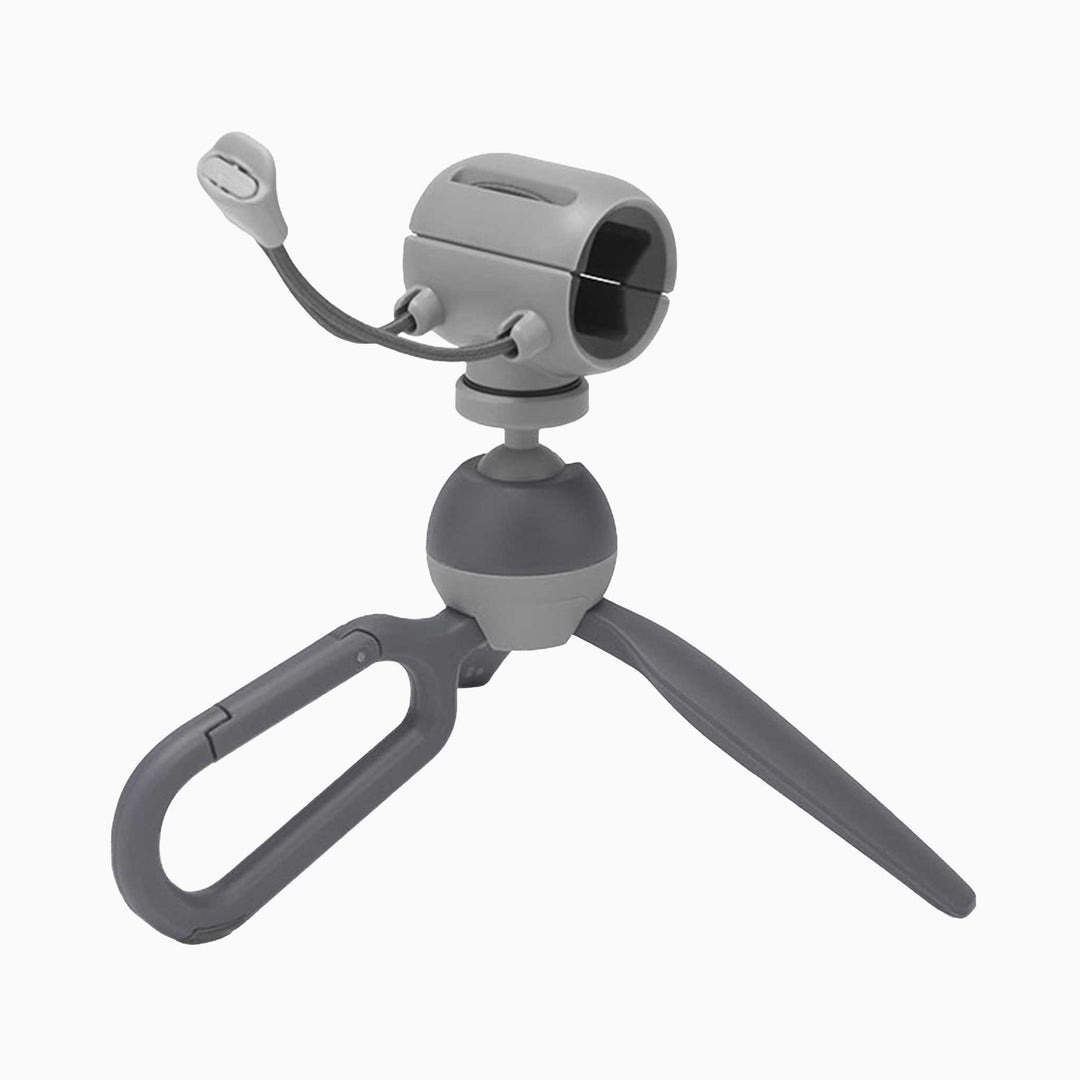
Most great phone shots are not planned. They happen at a dinner table when the light hits just right, on a hiking trail when friends finally line up together, or in a quiet corner of a café where you suddenly want to record a quick voiceover. The trouble is that those moments rarely come with a flat, stable surface at the right height. You end up propping your phone against a water glass, balancing it on a backpack, or handing it to a stranger and hoping for the best.
That gap between spontaneous ideas and shaky results is exactly where a small, carry-everywhere support earns its place. It is not about replacing a full studio tripod. It is about having something light enough that you never leave it behind, yet capable enough to hold your framing steady when it counts. In this guide, we look at who benefits most from going compact, what separates a genuinely useful mini support from a drawer gadget, and how to fold one into your everyday shooting habits so it actually gets used.
What Counts as a Pocket Tripod Today
A few years ago, “mini tripod” usually meant a tiny set of rigid legs that worked on a tabletop and nowhere else. The category has grown up considerably. Modern designs double as handheld grips, extend upward for better angles, and connect to phones, compact cameras, and action cams through a standard tripod thread. When people shop for a Pocket Tripod now, they usually want one tool that handles three jobs: steadying a shot on a surface, giving the hand a comfortable grip while walking, and lifting the camera a little higher than arm’s length allows.
The defining trait is still size. If it cannot slide into a jacket pocket or a small sling bag, or clip onto a strap, it stops being a pocket tool and becomes one more thing you decide to leave at home. The second trait is speed. A support that takes a full minute to unfold, adjust, and lock will always lose to the impulse of just shooting handheld and hoping the footage is steady enough.
Grip, Stand, and Extension in One Tool
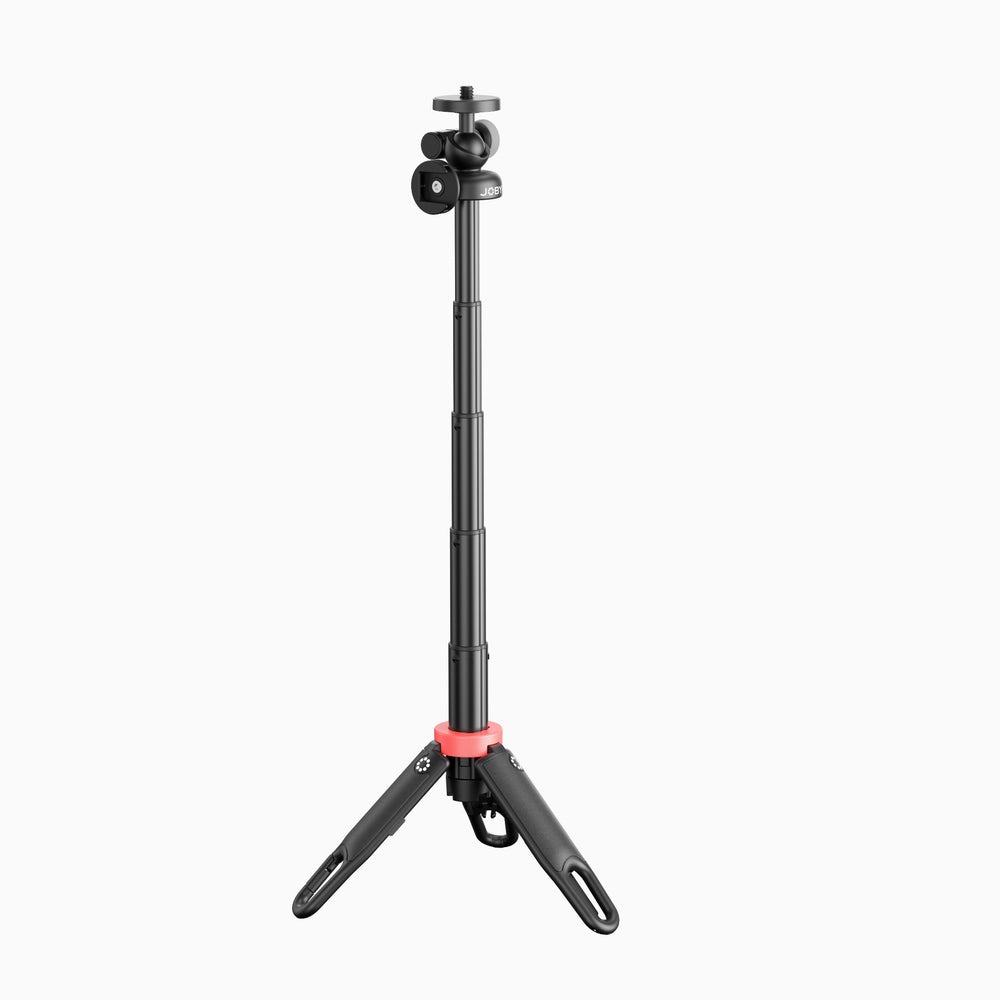
The most practical compact supports behave differently depending on how you hold them. Closed, the legs form a handle that keeps your wrist relaxed during a walking vlog. Opened, they become a stable base for a timelapse on a picnic table. Extended, a telescoping section raises the lens for group shots or overhead food clips. A rotating ball head ties it all together by letting you tilt from landscape to portrait without re-mounting the phone, which matters when you post to platforms that favor different orientations.
Who Gets the Most Out of Going Compact
Not every creator needs the same thing, but three groups tend to notice the difference right away.
Travelers and day-trippers care about weight above almost everything. After a long day of walking, every extra item in a bag feels heavier than it did in the morning. A compact support lets them take self-timer photos in front of landmarks, record steady clips of street scenes, and still keep their load light enough to enjoy the trip rather than manage it.
Social-first creators who post short videos several times a week need speed. They are often filming a talking-head clip between other tasks, and the difference between setting up in a few seconds and setting up in a few minutes decides whether the clip gets made at all.
Parents and hobbyists simply want to be in the picture for once. Family events, birthday dinners, and weekend projects are easier to document when the phone can stand on its own while you step into the frame alongside everyone else.
Features That Separate Useful From Forgettable
Because compact supports look similar in product photos, it helps to know which details actually change the experience once you are out shooting.
- Leg grip and footprint: rubberized feet and a reasonably wide stance keep the phone upright on café tables and uneven benches.
- Head movement: a smooth ball head lets you fine-tune framing without tipping the whole unit over.
- Universal thread: a standard mount means the same support works with a phone clamp, a compact camera, or an action cam.
- Accessory point: a cold shoe lets you add a small light or microphone when a shoot gets more serious.
- Carry method: a clip or lanyard point keeps the tripod on your bag strap instead of buried at the bottom.
Designs like the JOBY HandyPod line combine most of these in a single tool, which is why they have become a common pick for people who want one support they can grab without thinking. Whatever you choose, test the head tension and leg stability at home before relying on it for an important moment.
Where Compact Supports Reach Their Limits
Honest expectations make a small tripod more useful, not less. A short base cannot match the height of a full-size stand, so plan on finding a raised surface such as a wall, railing, or car roof when you need eye-level framing. Strong wind can also rock a lightweight setup, so lower the extension and widen the legs when shooting outdoors. For heavier mirrorless cameras with long lenses, a compact support is best treated as a table stand rather than a field tripod.
Everyday Scenarios and How to Shoot Them
Solo Travel Photos
Set the phone on a ledge at roughly chest height, open the legs wide, and angle the head slightly downward toward where you will stand. Use a timer of several seconds or a Bluetooth remote so you have time to walk into position. Take a burst rather than a single frame, since one shot in the series will usually catch a relaxed, natural expression.
Talking-Head Clips at a Desk
Raise the phone so the lens sits close to eye level; stacking the tripod on a few books works if the extension alone is not enough. Face a window for soft light and keep the background simple. Lock the head firmly so small desk bumps do not shift the frame mid-sentence and force a retake.
Walking Vlogs
Keep the legs closed and use the tripod as a grip. Hold it slightly away from your body with a bent elbow, which absorbs footsteps far better than a straight arm. Extending the pole a little adds background context without turning the shot into a distant, wobbly selfie.
Food and Flat-Lay Shots
Use the extension to get the phone above the plate, then tilt the head to point straight down. Check the edges of the frame for stray napkins, cutlery, or your own shadow before you shoot, and nudge the tripod rather than the dishes to adjust composition.
Video Calls and Online Classes
Remote meetings and online lessons are easier when your phone is not propped against a laptop screen. Stand the tripod beside your keyboard, raise the phone until the camera is roughly level with your eyes, and angle it slightly inward so you appear centered even when glancing at notes. If you teach crafts, music, or cooking online, the ball head lets you tip the phone down toward your hands in a second and back up to your face just as quickly, without interrupting the lesson.
Building a Habit So It Never Stays Home
The best compact support is the one you actually carry. Clip it to the strap of the bag you use most, or keep it in the same jacket pocket as your keys. Leave the phone clamp attached so setup is a single motion. After a few weeks, reaching for it becomes as automatic as reaching for your phone, and the number of usable shots you capture goes up noticeably.
It also helps to rehearse your two or three most common setups at home. Knowing exactly how far to extend the pole for a group photo, or which leg angle keeps the phone steady on a narrow railing, saves precious seconds when the real moment arrives and everyone is waiting.
Small Support, Bigger Creative Freedom
A compact tripod will not transform you into a professional filmmaker overnight, but it removes one of the most common reasons good ideas never become good footage: nowhere steady to put the camera. For travelers, busy social creators, and anyone who wants to finally appear in their own photos, a lightweight support that grips, stands, and extends covers the situations that come up most often in everyday life.
Focus on stability, a smooth head, a universal mount, and a carry method that keeps it within reach. Learn its limits, practice a few go-to setups, and make it part of your daily kit. The payoff is steadier clips, cleaner framing, and far more freedom to capture moments as they happen rather than wishing afterward that you had.

