
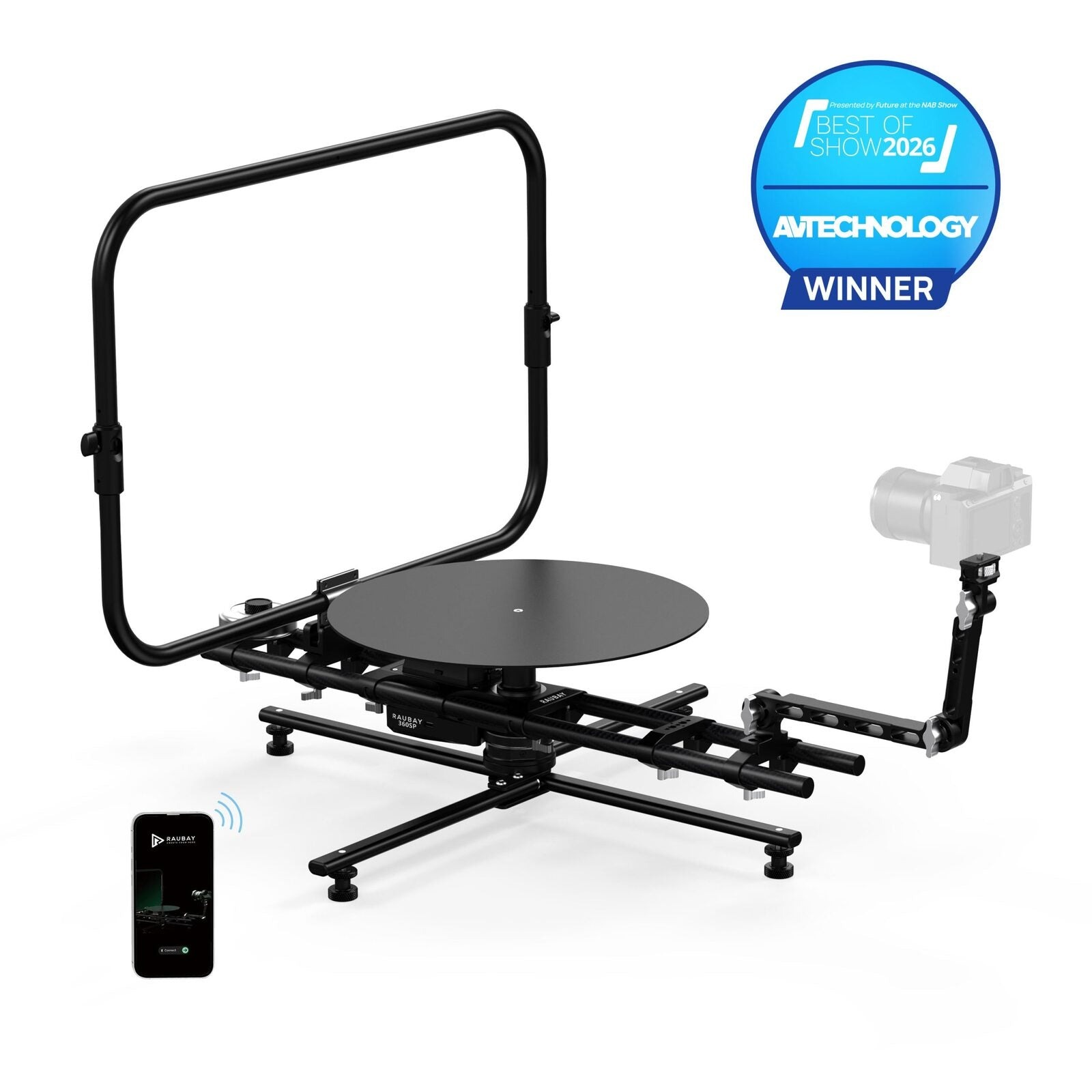
Interactive product spins have quietly become a baseline expectation on ecommerce pages. Shoppers who cannot rotate a chair, a shoe, or a bottle in the browser tend to hesitate at checkout, so the pressure to add rotating imagery has spread from luxury retailers to independent brands with modest studio budgets. The good news is that the hardware and workflow have matured. A single turntable, a fixed camera, and consistent lighting can turn out a full spin sequence in the time it used to take to shoot a handful of static angles. This guide breaks down the setup step by step, calling out the details that make the difference between a wobbly, uneven sequence and a smooth rotation that clients want to keep using.
Understanding the Motion Control Setup
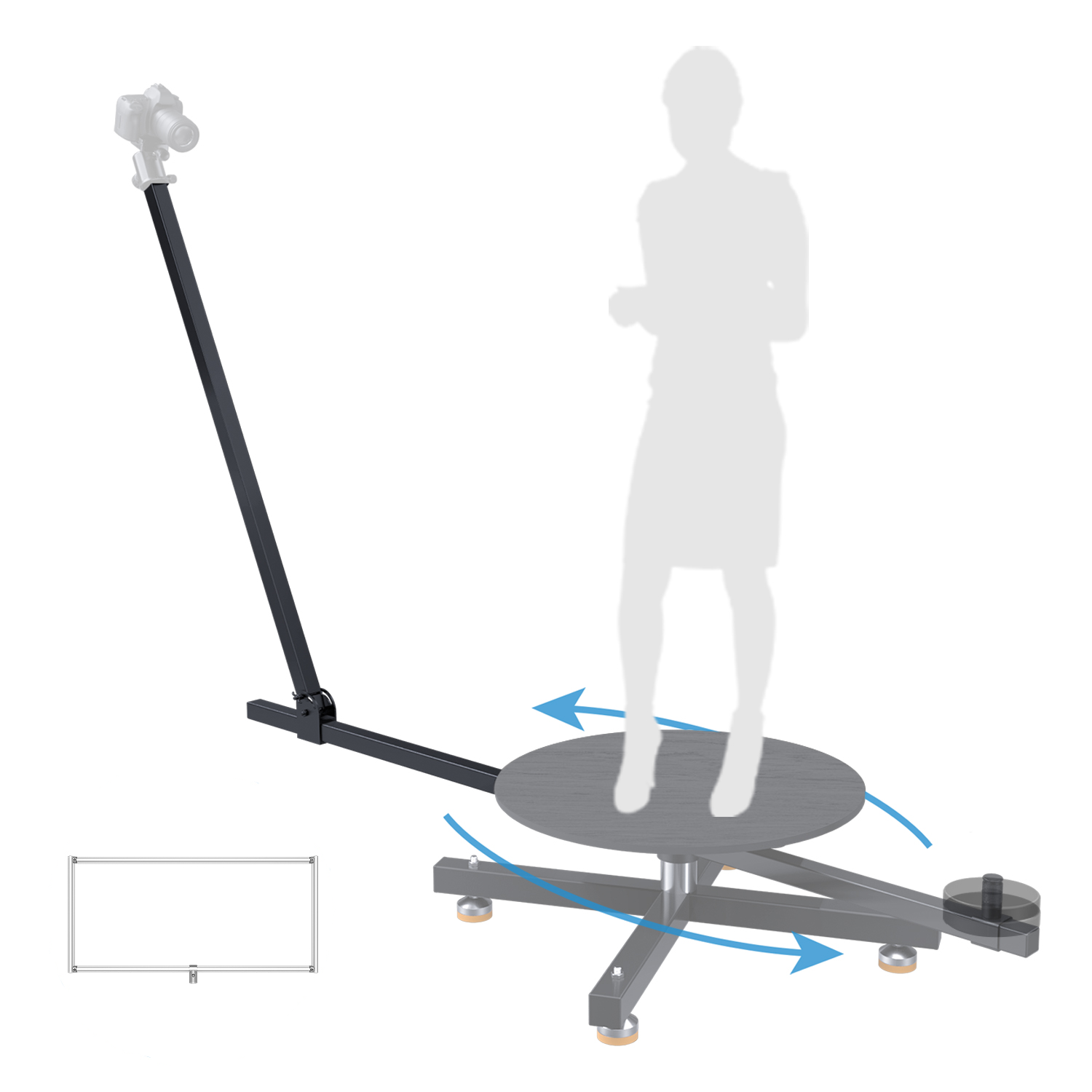
The moving part of a spin rig is not the camera; it is the platform under the product. Everything else stays fixed. That inversion is what makes the workflow so repeatable: once your lights and framing are locked, you swap products on the platform and let the motor do the same job every time. A dependable 360 product photography turntable uses stepper-driven motion so each frame lands at the same rotational interval, whether you shoot twenty-four positions for a compact spin or seventy-two for a smooth luxury sequence. Load capacity matters too, especially if you photograph furniture or heavy tools, because an underpowered motor will stutter under uneven weight and ruin the interval accuracy.
Choosing the Right Platform Size
Turntable diameter should exceed the widest footprint of the largest product you plan to shoot, with roughly a hand’s width of margin on each side. Undersized platforms force the product close to the edge and cause slight tilt during rotation. Oversized ones are safe but harder to light evenly, since the extra surface picks up shadow lines. For a small studio shooting cosmetics, bottles, and small electronics, a mid-size platform in the sixty-centimeter range covers almost every job.
Connecting Camera, Trigger, and Motor
A modern motion controller talks to both the turntable and the camera shutter through a single interface. The controller advances the platform, waits for it to settle, fires the shutter, and repeats. The pause between rotation and capture is the setting most beginners overlook. Even a hundred milliseconds of residual vibration will soften the corners of a frame, so build in a settling delay of at least half a second on medium products and longer on top-heavy items.
Lighting and Camera Settings for Consistent Spins
Consistency across every frame is the single quality that separates a professional spin from an amateur one. Use manual exposure and disable auto white balance, otherwise the camera will drift as the product rotates through hot and cool zones of the light. Continuous LED panels are usually easier than strobes for turntable work because they let you evaluate the rotation in real time, but strobes give cleaner highlights on reflective surfaces if you are willing to work with a longer cycle time.
Position two soft sources at roughly forty-five degrees on either side of the camera, with a small fill from behind to separate the product from the sweep. Feather the lights outward rather than aiming them directly at the platform, which keeps hot spots from rotating with the product and creating flicker in the final sequence.
The Capture and Post-Production Workflow
Once the physical setup is dialed in, the actual capture is almost boring, which is the point. Load the product, level it with a small bubble level or a ruler, start the automated sequence, and walk away. Most controllers finish a twenty-four frame set in under two minutes and a seventy-two frame set in under five. The larger investment of time comes afterward in post.
Batch-process the raw files with identical exposure, white balance, and crop settings. Keep the crop centered on the platform’s axis of rotation, not on the product itself, or the spin will visibly drift when it plays back. Export to a numbered sequence and load the frames into a spin viewer that supports drag-to-rotate on ecommerce pages. Brands using Raubay motion control gear tend to build a small library of processing presets tied to product categories, which cuts editing time on repeat shoots to almost nothing.
Troubleshooting Common Spin Problems
The most common failure is a jump in the sequence, usually caused by a product shifting on the platform partway through the rotation. A non-slip mat cut to size solves this on smooth-bottomed items. Uneven exposure between frames points to auto settings you missed disabling, or to a modeling lamp on a strobe kit that changes brightness between fires. Slight ghost images on shiny surfaces usually come from reflections of the camera or the studio ceiling, which black flags can absorb before they reach the product.
Turning Practice Into a Repeatable Spin Workflow
The reason a turntable pays for itself so quickly is that it converts a creative task into a mechanical one. After the first few shoots, the setup becomes muscle memory: level the product, check the settling delay, run the sequence, batch-process the files. That predictability is what lets a small studio quote spin work confidently rather than treating it as a bespoke job. Start with a mid-size platform and a controller that speaks to your camera brand, keep your lighting fixed, and build a preset library as your product mix grows. Within a handful of shoots you will have a workflow that scales from a single hero product to an entire seasonal catalog.

