
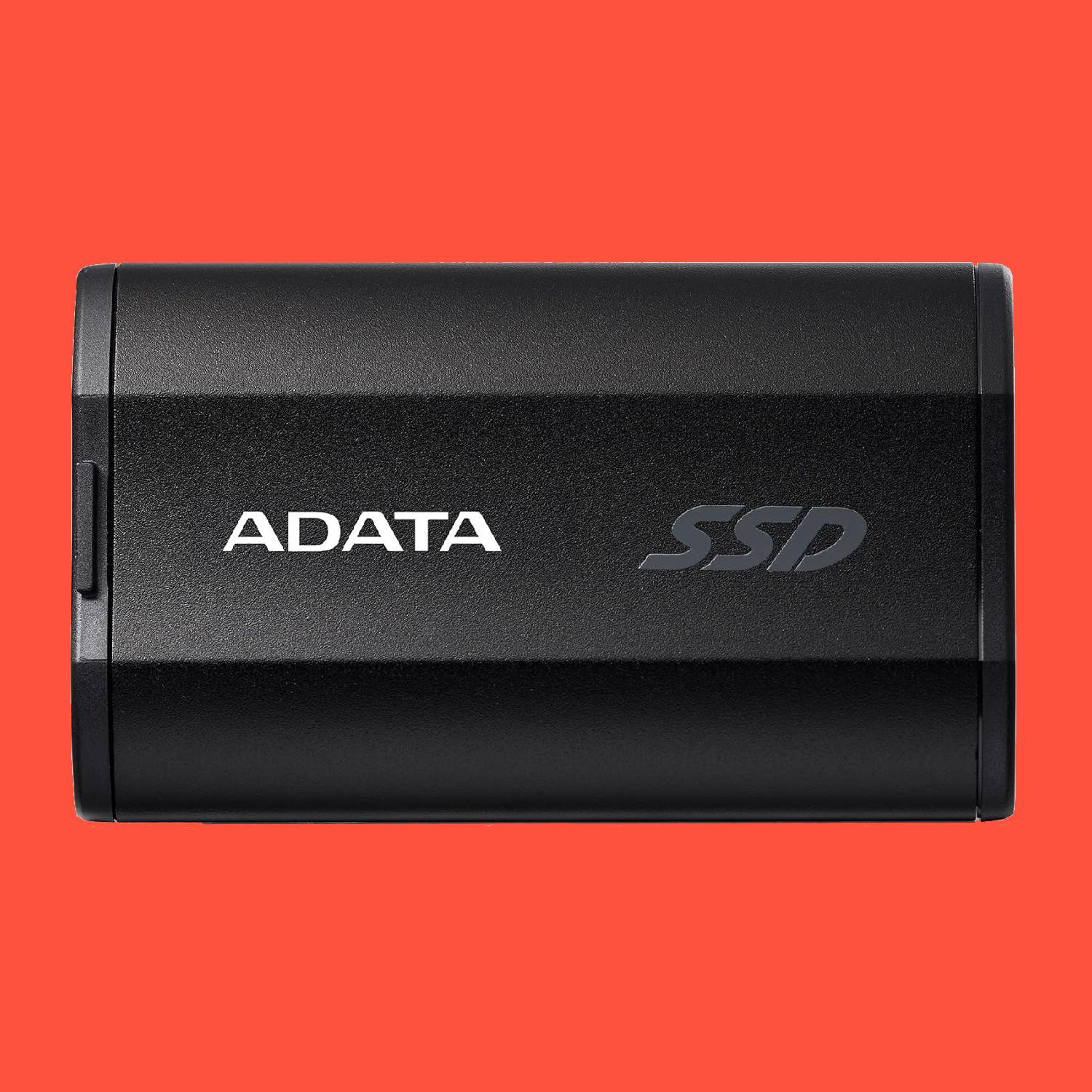
Finding the best external ssd for gaming in 2025 can make a huge difference in how smoothly your favorite titles run and how quickly they load. With modern games demanding more storage space and faster performance, relying on traditional hard drives is no longer enough.
An external SSD offers lightning-fast speeds, portability, and reliability, making it an essential upgrade for both casual and competitive gamers. In this guide, we’ll look at the top choices available this year to help you pick the perfect drive for your setup.
Advantages of External SSD for Gaming
- Portability & Convenience
External SSDs are plug-and-play and easy to carry. Gamers can take their game library anywhere, whether it’s to a friend’s PC, a console, or a LAN party, without being limited to a single system.
- Easier Upgrades
Unlike internal SSDs, which require opening up your PC or console, external SSDs can be added without any hardware modifications, reducing the risk of damage and simplifying storage expansion.
- High-Speed Performance
External SSDs offer fast read/write speeds, ensuring smooth gameplay and quick access to large game files. Great for open-world and heavy games that load detailed graphics in real time.
- Quick Load Times
External SSDs significantly reduce game load times compared to traditional HDDs, letting you jump straight into gameplay and enjoy seamless transitions between levels or worlds.
- Quiet & Energy-Efficient
SSDs operate silently and generate less heat than HDDs. They are also more power-efficient, making them ideal for long gaming sessions and extending battery life for gaming laptops.
Key Features to Look for in a Gaming External SSD
- Storage Capacity
Modern games take up a lot of space, with many titles exceeding 100GB each.
- For multiple games or a large game library, go for at least 1TB to avoid running out of space.
- Casual gamers may get by with 500GB, but opting for a larger capacity gives you more room for future games, updates, and expansions.
- Performance
When choosing an external SSD, focus on both read and write speeds:
- Read speed → how fast your games load.
- Write speed → how quickly data is saved or transferred.
For gaming, select an SSD with a read speed of at least 500 MB/s. If you want even faster loading times, go for one with 1,000 MB/s or more, and ensure it supports USB 3.2 Gen2 for the best performance.
- Compatibility
Make sure the external SSD is fully compatible with your PC or gaming console.
- On PCs, confirm support for file systems such as exFAT (cross-platform) or NTFS (optimized for Windows).
- On consoles like the PS5 or Xbox Series X, check that the SSD meets their USB port type and file system requirements.
- Additional Features
Consider extra features such as rugged or shockproof designs for travel, compact form factors for portability, and cableless transfer options to reduce clutter. These features enhance convenience and durability for gamers on the go.
Top 3 Recommended External SSD Models for Gaming
Top 1: ADATA SC730 External SSD
- Speed: Up to 600 MB/s read & write with USB 3.2 Gen 2 (10 Gbps).
- Design: World’s smallest dual-connector SSD, only 36 mm long and 7.8 g, pocket-sized like a flash drive.
- Dual Connectors: Built-in USB-C and USB-A, no adapters or cables needed.
- Eco-Friendly: Made with 50% recycled plastic, with a fingerprint-resistant finish.
- Capacities: Available in 512 GB and 1 TB.
- Compatibility: Supports Windows, macOS, Linux, Android, and latest-gen consoles.
- Warranty: Backed by a 5-year limited warranty.
Best for gamers who want ultra-portability, eco-friendly design, and convenient plug-and-play storage.
Top 2: ADATA SC750 External SSD
- Speed: 1,050 MB/s read, 1,000 MB/s write.
- Performance: Fast enough for quick loading of large game files, smooth gameplay, and reduced wait times.
- Design: Lightweight and portable, built for gaming consoles, PCs, and handhelds.
- Durability: Sturdy design ensures reliability during travel.
Best for gamers with large libraries who want a dependable and affordable SSD for everyday gaming and portability.
Top 3: ADATA SE920 External SSD
- Speed: 3,800 MB/s read, 3,700 MB/s write via USB4 40Gbps Type-C.
- Performance: Among the fastest external SSDs, ideal for open-world games with real-time texture streaming.
- Features: Patented outer shell, built-in micro fan for heat dissipation, and award-winning design (CES Innovation Award 2023, Red Dot Design Award 2022).
Best for enthusiasts and professionals who need blazing-fast transfers, minimal load times, and cutting-edge performance.
SC730, SC750, and SE920 deliver a combination of speed, durability, and portability, making them excellent choices for modern gaming setups.
Tips for Using an External SSD for Gaming
- Choose the Right SSD – Select a high-speed SSD with at least 500MB/s read speed and enough storage to accommodate your game library. High-speed drives ensure smooth gameplay and faster load times.
- Proper Setup – Format the SSD to exFAT for cross-device compatibility or NTFS for optimal Windows performance. Create a dedicated game folder and configure game clients like Steam or Epic Games to install games directly to the SSD.
- Keep Firmware Updated – Regularly check the manufacturer’s website or use official software tools to update firmware. Firmware updates can enhance performance, fix bugs, and improve compatibility. Always back up your data before updating.
- Organize Your Library – Create multiple folders for different game types or priorities. Place frequently played games in faster-access areas and periodically remove redundant files to keep the SSD optimized.
- Safely Eject the SSD – Always use the “Safely Remove Hardware” feature on Windows or “Eject” on macOS. Avoid unplugging the drive during data transfers and close any applications accessing it first to prevent data corruption.
- Maintain Performance – Avoid filling the SSD, keep it cool during use, and handle it carefully to prevent physical damage.
- Take Advantage of Portability – Use the SSD to play games across different PCs or consoles, making it easy to travel with your gaming library.
Following these tips ensures faster load times, smoother gameplay, and a longer-lasting external SSD, enhancing your overall gaming experience.
Conclusion: Best External SSD for Gaming in 2025
An external SSD is one of the best upgrades you can make for gaming in 2025. With modern titles demanding more storage and faster performance, SSDs provide the speed, reliability, and portability that traditional hard drives can’t match. The ADATA SC730 is perfect for gamers who want ultra-portability and convenience, the ADATA SC750 offers dependable everyday performance for larger libraries, and the ADATA SE920 delivers cutting-edge speed for enthusiasts and professionals.
By selecting the right external ssd for gaming, setting it up correctly, and keeping it well-maintained, you’ll unlock faster load times, smoother gameplay, and the convenience of carrying your entire library anywhere. An external SSD is more than extra storage, it’s a true game-changer for both casual and serious gamers.

